Vermont Google Business Profile for LLCs in 2026: How to Protect Address Privacy
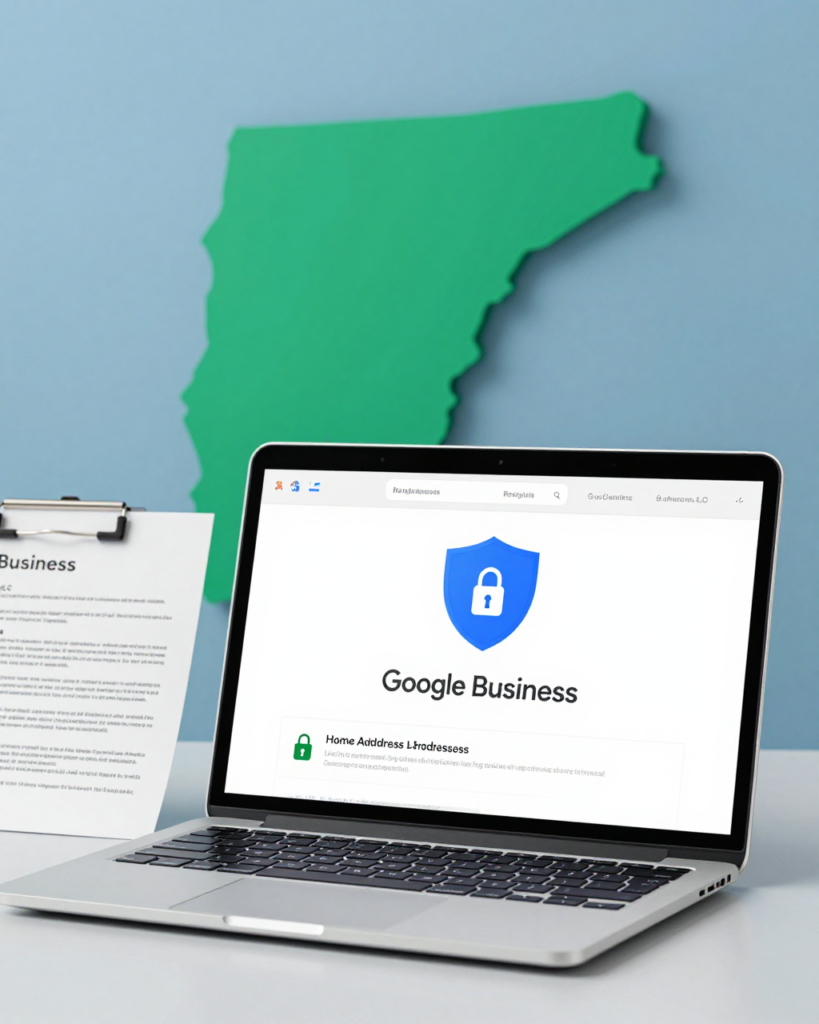
Vermont Google Business Profile for LLCs - inline illustration
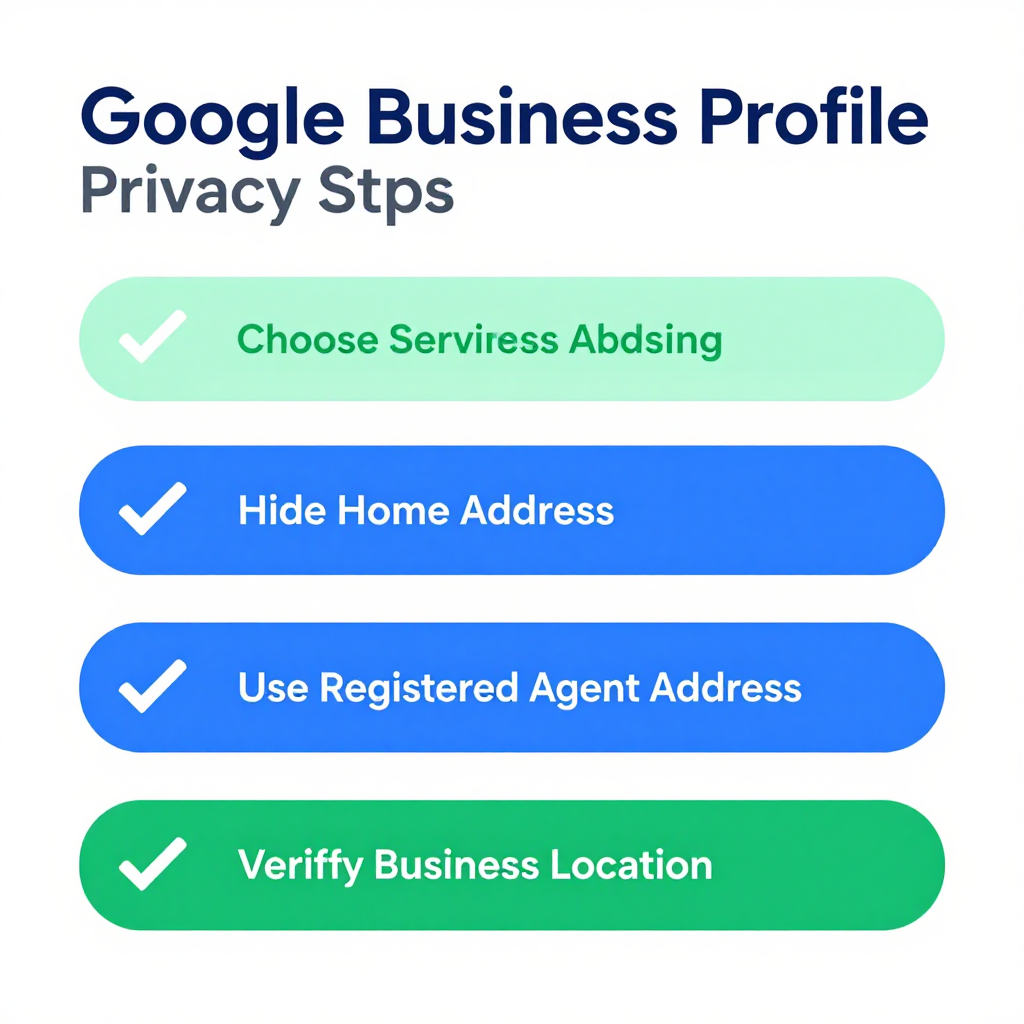
Vermont Google Business Profile for LLCs in 2026 starts with a quiet problem that hits a lot of Vermont LLC owners the same way. You form the company, file the paperwork, and then you search your own business name. What comes back is your home address — sitting right there in the public record next to your business name. Now Google has a verified Business Profile tied to that same address, and every customer search pulls it back up. This guide covers exactly how that happens and what you can do about it in 2026.This comes up constantly for home-based consultants, freelance designers, contractors, and small service businesses that form a Vermont LLC and then try to show up in local Google searches. The goal is to be visible online. The problem is that visibility often means publishing an address you never wanted anyone to see. Here is what actually works.## What a Google Business Profile Actually Does for a Vermont LLCA Google Business Profile tells Google that a real business exists at a real place. When someone searches “Vermont bookkeeping LLC” or “LLC accountant near me,” Google uses the Business Profile to decide whether to show that business in the local map pack. Without one, a Vermont LLC is essentially invisible to local search. With one, the business shows up — but the address shows up too, unless the listing is set up the right way.The Google Business Profile service-area business guidelines explain how Google handles businesses that serve customers at their locations rather than from a fixed storefront. That is the key to the whole privacy setup. A service-area business listing hides the actual address and shows only the cities or regions served. This is the right configuration for almost every home-based Vermont LLC, and it is what this guide is built around.## Why Your Vermont LLC Address Is Already Public (And Why That Matters for Google)Before touching Google, it helps to understand why your address is already a problem. When you file a Vermont Certificate of Formation, the registered office address goes into the public record at bizfilings.vermont.gov. Anyone can search that database and pull up your LLC’s filing. That includes your registered agent’s address if you used a commercial registered agent, or your home address if you listed yourself.Google does not pull directly from the Vermont Secretary of State database. But once your address is on any public record, it can end up in data aggregator services that feed business listings across the web. Those aggregator listings are what Google often uses to auto-populate Business Profiles. The chain is: public record → data aggregator → Google → your listing with your home address attached. Breaking that chain early stops the problem at the source.## Setting Up a Vermont Google Business Profile as a Service-Area BusinessThe privacy-correct setup for a Vermont home-based LLC is a service-area business listing. Here is how that works step by step.First, sign into Google Maps or the Google Business Profile manager at business.google.com. Click “Manage locations” and add a new business. Select the category that matches what the LLC does — something like “Consulting Agency” or “Home Improvement Contractor” depending on the actual business. Do not select a category that implies a walk-in storefront unless the LLC actually has one.When Google asks for an address, use the registered agent’s Vermont address. This is where most people make a mistake. If you use your home address here, Google locks it in and making changes later is harder. A registered agent’s commercial address works fine for verification purposes, and it keeps your actual residence out of the listing from day one.After entering the address, Google asks whether you serve customers at that address. Select no. Then define the service area — the cities, towns, or zip codes where the LLC actually works. For a Vermont LLC, this might be Burlington and Chittenden County, or it might be a wider multi-state region depending on the business. Be honest about the real service area. Google checks this.Google then sends a verification postcard to the address entered. That is why using the registered agent’s address matters — the postcard goes somewhere that gets picked up reliably. Once the code arrives and gets entered, the listing is verified.## Keeping the Home Address Off the Listing After VerificationVerification alone does not solve the problem if the LLC’s information leaks elsewhere on the internet. After verification, go into the Business Profile settings and confirm that “hide address” is selected. The listing should show the service area cities rather than a street address on the public side.Check the other fields too. The website URL, phone number, and business description all get indexed. Do not paste the LLC’s formation address anywhere in those fields. Use a separate business phone line and a business email that does not expose a home address.The other half of this is staying ahead of data aggregators. The public record is already out there — but data aggregators like Whitepages, Manta, and locale-appropriate directories republish it constantly. Doing periodic sweeps of those directories and requesting corrections or removals stops the cycle. A registered agent helps here too: when the LLC uses a commercial registered agent address on its formation documents, that address — rather than the home address — is what shows up in the aggregator copies of the public record.## How Vermont Registered Agent Services Connect to ThisA Vermont registered agent does not directly manage a Google Business Profile, but the two things are more connected than most people realize. The address on the public LLC record is the same address that ends up in aggregator databases, which are the source data that Google uses to build unverified listings. Using a registered agent’s commercial Vermont address on the formation document means that address — rather than a home address — is what propagates across the web.Rapid Registered Agent handles the registered agent designation and the ongoing compliance filings so that the public record reflects the right address from the start. That is a quieter form of privacy protection than a Google Business Profile, but it is the foundation everything else is built on. For more on how the public record works in Vermont, see the guide on Vermont small-business trust signals and the registered agent’s role.## What Happens If Google Suspends the ListingGoogle suspends Business Profiles for service-area businesses that do not follow the rules. The most common reason for a Vermont LLC listing suspension is using a home address when the listing is supposed to hide it, or claiming a service area that does not match where the business actually operates. A suspension means the listing disappears from Google Maps entirely — right when the business needs the visibility most.Recovering from a suspension takes time. Google requires documentation showing the business serves the claimed area and that the address used for verification is legitimate. If the listing uses a home address that has already propagated across aggregator sites, correcting it takes even longer because Google cross-checks the address against multiple third-party sources.The best protection is getting the listing set up correctly the first time. That means using the registered agent address at verification, selecting service-area mode, and being precise about the service territory.## Can a Vermont LLC Use a Virtual Office Address for Google Business Profile?This comes up a lot. Some LLC owners ask whether a virtual office or co-working space address can be used for a Google Business Profile instead of a registered agent address. Google accepts commercial addresses for verification, so in principle this works — but there are conditions.Google’s guidelines on address display state that the address used for verification must be a place where the business can receive in-person customers or deliveries, even if the business does not primarily operate from there. A registered agent’s office meets this standard because the agent is already set up to receive legal mail and standard postal deliveries on behalf of the LLC. A virtual office address that only offers mail forwarding may not qualify.Before using any address for Business Profile verification, confirm it meets Google’s physical-address standard. Using a registered agent’s address is the most straightforward option for most Vermont home-based LLCs because the agent is already set up to receive mail and legal documents at that location. A Vermont Google Business Profile works best when the underlying public record is already clean.## The Data Aggregator Problem: Why Google Keeps Re-Publishing the AddressEven after fixing the Business Profile, the address sometimes reappears. This happens because data aggregators pull from the public record continuously and re-publish it to dozens of directories. Google sometimes pulls listing information from those directories rather than directly from the Business Profile, which means the home address can creep back in if the aggregator copy was never corrected.Breaking this cycle requires two things working together. First, the LLC’s public record address needs to be the registered agent’s commercial address — not the home address. Second, the LLC owner needs to proactively request removal or correction from the major data aggregators. Some of these removal requests can be filed in under thirty minutes per site. For a Vermont LLC owner, this is a one-time cleanup that pays ongoing dividends in search privacy.## Comparing Privacy Options for Vermont LLCs Using Google Business ProfileNot every Vermont LLC needs a Google Business Profile. A consulting firm that works exclusively by video call and never meets clients in person has different needs than a contractor who visits job sites across Chittenden County. Here is how the main options compare.A service-area Business Profile hides the home address and shows only the service territory. This works for businesses that travel to clients or serve a defined geographic area. A home-address listing is visible to everyone and is the wrong setup for any privacy-conscious LLC. A separate commercial address used only for verification keeps the home address off the primary listing while still allowing Google to verify the business exists.The option that connects most directly to long-term privacy is using a commercial registered agent address as the public record address from the day of formation. That address shows up in the Secretary of State database, the data aggregators, and the Google verification process — and it is never the LLC owner’s actual home. A properly configured Vermont Google Business Profile then builds on that clean foundation to give the LLC local search visibility without exposing the home address. For a comparison of this approach across states, see the guide to Washington home address privacy for LLCs in 2026.Vermont Google Business Profile for LLCs in 2026 comes down to this: the home address exposure starts at the Secretary of State filing, not at Google. A registered agent’s commercial address on the formation document keeps the home address out of the data aggregator supply chain. A service-area Google Business Profile, verified at that same commercial address, gives the LLC local search visibility without publishing the home address to customers. The privacy protection and the online presence work together when they are built on the same clean address foundation.

Frequently Asked Questions

Can a Vermont LLC have a Google Business Profile without showing its address?

Yes. A Vermont LLC can set up a service-area Business Profile that hides the street address and shows only the cities or regions served. The LLC must still verify the listing at a physical address — using a registered agent’s commercial address works for this purpose and keeps the home address off the public listing.

What address should a Vermont LLC use for Google Business Profile verification?

Use the registered agent’s Vermont address rather than a home address. Google sends a verification postcard to this address. A registered agent can receive that postcard and relay the verification code, and the address entered at verification is what becomes part of the public Business Profile.

Does a Google Business Profile affect the Vermont Secretary of State public record?

No. The Google Business Profile and the Vermont Secretary of State business database are separate systems. However, both can expose an LLC’s address if the wrong information is entered in either one. Using a registered agent’s commercial address on the Secretary of State filing reduces the risk on the state side, while the service-area listing setup reduces the risk on the Google side.

What happens if Google auto-creates a Business Profile using my home address?

Google sometimes auto-creates listings from data aggregator information. If Google creates a listing with a home address, the LLC owner can claim and edit it through the Business Profile manager. Changing it to a service-area listing removes the home address from public view. The underlying aggregator data still needs to be corrected separately to prevent Google from restoring the address on a future update.

Does a registered agent keep my address off Google entirely?

A registered agent keeps your home address off the Secretary of State public record, which limits how far it spreads through data aggregators. It does not directly interact with Google, but it removes the home address from the source data that feeds third-party business directories and aggregator sites. Correcting those aggregator copies separately gives the most complete protection.

Is a virtual office address acceptable for Google Business Profile verification?

Google requires a physical address where the business can receive postal mail in person. A registered agent’s office meets this standard. A virtual office that only forwards mail may not. Before using any address for verification, check it against Google’s current physical-address guidelines.

Vermont LLC Privacy

Keep Your Vermont Business Visible Without Exposing Your Home Address

A Google Business Profile helps local customers find your LLC. A Vermont registered agent keeps your home address off the public record that feeds Google’s data sources. Rapid Registered Agent handles both so your privacy stays protected from the start.

Home Address on Public Record
Hidden
Service Area Visibility
Full
Setup Time
Same Day
Back To Top